Quick Answer: A family rewards system helps kids earn points for completing chores and other tasks, then exchange those points for rewards they choose. Parents can set up tasks, decide how many points each one is worth, and create a list of rewards in advance. Some systems also include gentle consequences for unfinished tasks.
Getting kids to help around the house isn't always easy. Chores get forgotten, reminders turn into arguments, and sometimes it feels like you're the only one keeping track of everything.
A family rewards system can make things a little easier. Kids earn points for completing chores and other tasks, then use those points to choose rewards they actually want. Parents set up the tasks and rewards in advance, so everyone knows what's expected and what they're working toward.
You can also set simple rules for what happens when a task gets skipped. The idea is to make everyday responsibilities easier to manage while helping kids learn about consistency, saving, and following through.
What Does a Family Rewards System Actually Mean?
A family rewards system gives children a clear way to work toward something they want while taking care of their everyday responsibilities.
The important part is deciding how it works in your household. Which tasks earn points? How many points is each task worth? What can children spend those points on? Setting these rules in advance helps avoid constant negotiations over chores and rewards.
Parents can also decide how to handle unfinished tasks, so children understand what happens when they don't follow through.
How a Rewards Family System Actually Works
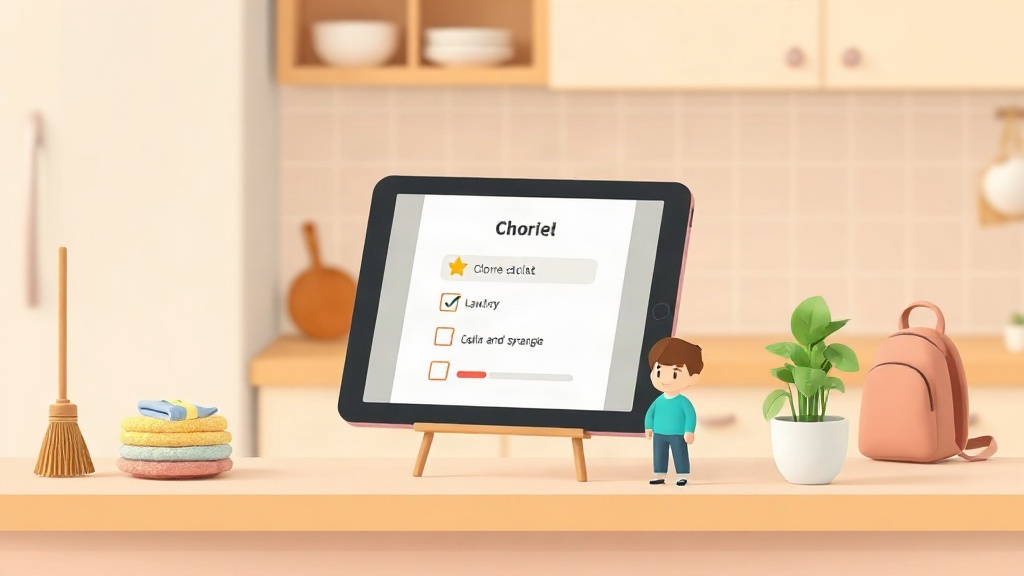
A family rewards system starts with a list of tasks and a point value for each one. Parents assign chores such as making the bed, finishing homework, or emptying the dishwasher. When a child completes a task, they earn the points assigned to it.
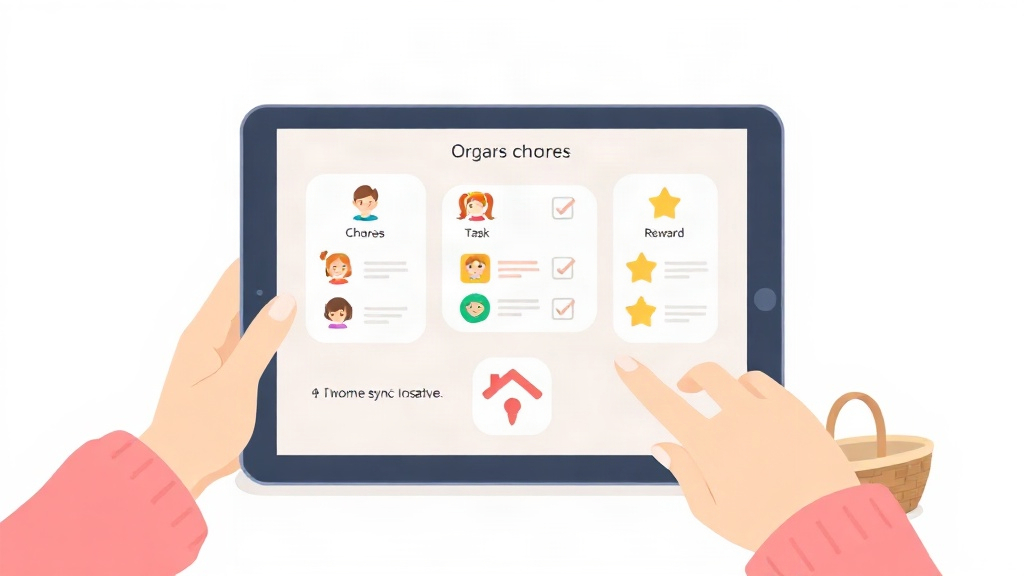
With an app such as KidKarma, points can be awarded automatically when tasks are completed, reducing the need for parents to keep track of every point manually.
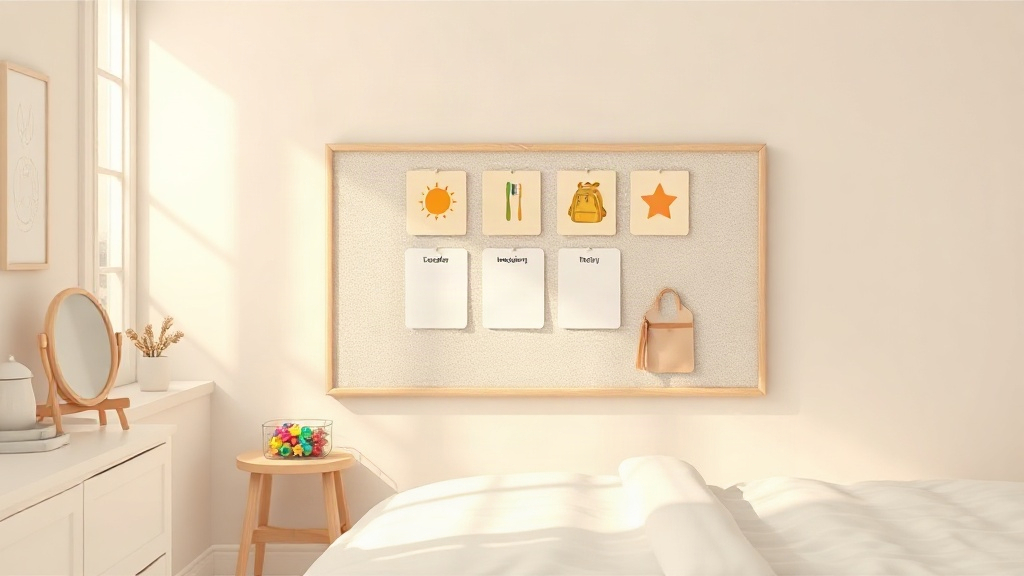
Children can save their points for a bigger reward or spend them on smaller ones. The family can use a daily or weekly task schedule, depending on what works best for its routine.
- Task assigned (bed made, homework done, dishwasher emptied)
- Points awarded automatically through the smart point system
- Points saved or spent whenever the child chooses
Non-Monetary Rewards That Work (And Why They Beat Cash)
Non-monetary rewards give children something to look forward to without making every completed task about money. They can include experiences, family activities, or privileges that the child values.
For example, a child might earn rewards such as choosing the weekend activity, picking a family movie, or getting extra screen time. Younger children might prefer an extra bedtime story, while older children may want more independence or time to pursue their interests.
The best options depend on the child. Letting children help choose their rewards makes it easier to build a list that reflects what they actually want.
- Choosing the weekend activity
- An extra 30 minutes before lights-out
- Picking the family movie
- One-on-one time with a parent, no siblings
Practical Tip: Let children help choose the rewards. A reward that excites one child might mean very little to another. Ask what they would like to work toward, and revisit the list when their interests change.
Variety also helps. Include smaller rewards that children can earn relatively quickly alongside bigger ones that take longer to save for. This gives them options whether they want to spend their points now or work toward something special.
Setting Up a Reward Marketplace for Kids, Step by Step
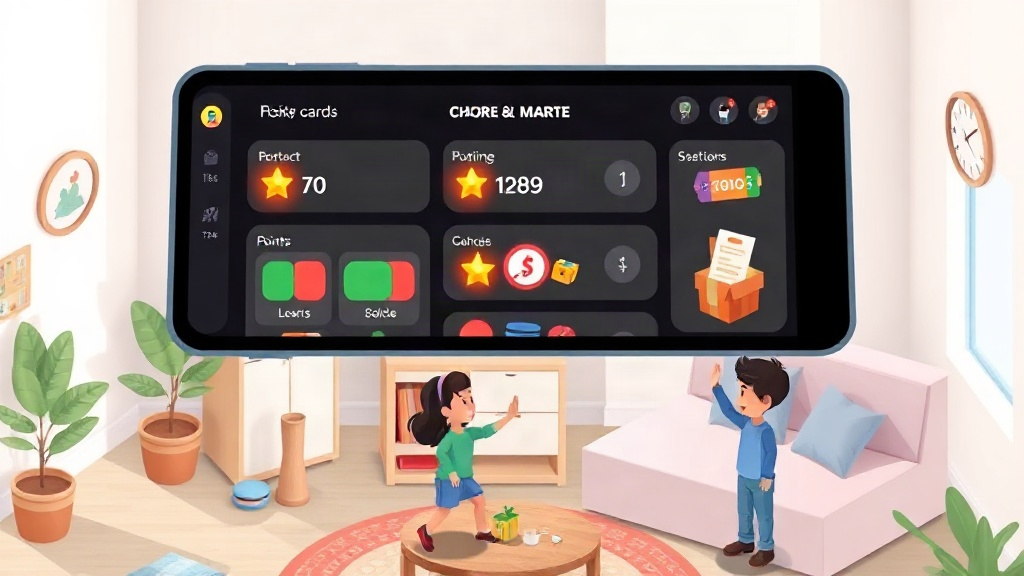
A reward marketplace gives children a list of rewards they can redeem using their earned points. Parents decide which rewards are available and how many points each one costs, while children choose what they want to save for.
KidKarma's reward marketplace lets parents set up these options in advance. Custom avatars also give each child a personalized profile within the app.
- List 8 to 12 rewards including smaller options and bigger goals.
- Assign a point cost to each one
- Show children the list before they start earning points.
- Review and swap stale rewards every few weeks
Expert's Insight: Offer enough variety for children to find something they want to work toward. Include a mix of rewards they can earn quickly and others that require more saving. You can adjust the list as their interests change.
Gentle Consequences. the Other Half of a Rewards System
Consequences should be proportionate to the situation and appropriate for the child's age. A missed task might mean completing it later or losing a small number of points, rather than removing an unrelated privilege.
It's also worth considering why the task wasn't completed. A child who forgot a chore may need a reminder, while a task that is too difficult or unclear may need to be adjusted. The goal is to help children build responsibility, not to turn every missed task into a punishment.
Two Homes, One System: Rewards for Co-Parenting Families
Two-home families need one rewards system that doesn't reset every time a child changes houses. KidKarma's two-home sync for co-parents keeps task history and point totals consistent whether a child is at one parent's home or the other.
QR code kid login lets a child sign into their own profile on either parent's device without typing a password, which matters when the device itself changes between houses. The practical benefit is that a point earned at one house still counts at the other, so the child isn't tracking two separate reward tallies in their head.
Ready to see the point-to-marketplace loop in your own family's routine? Explore the KidKarma app.